How do I start from an agent template?
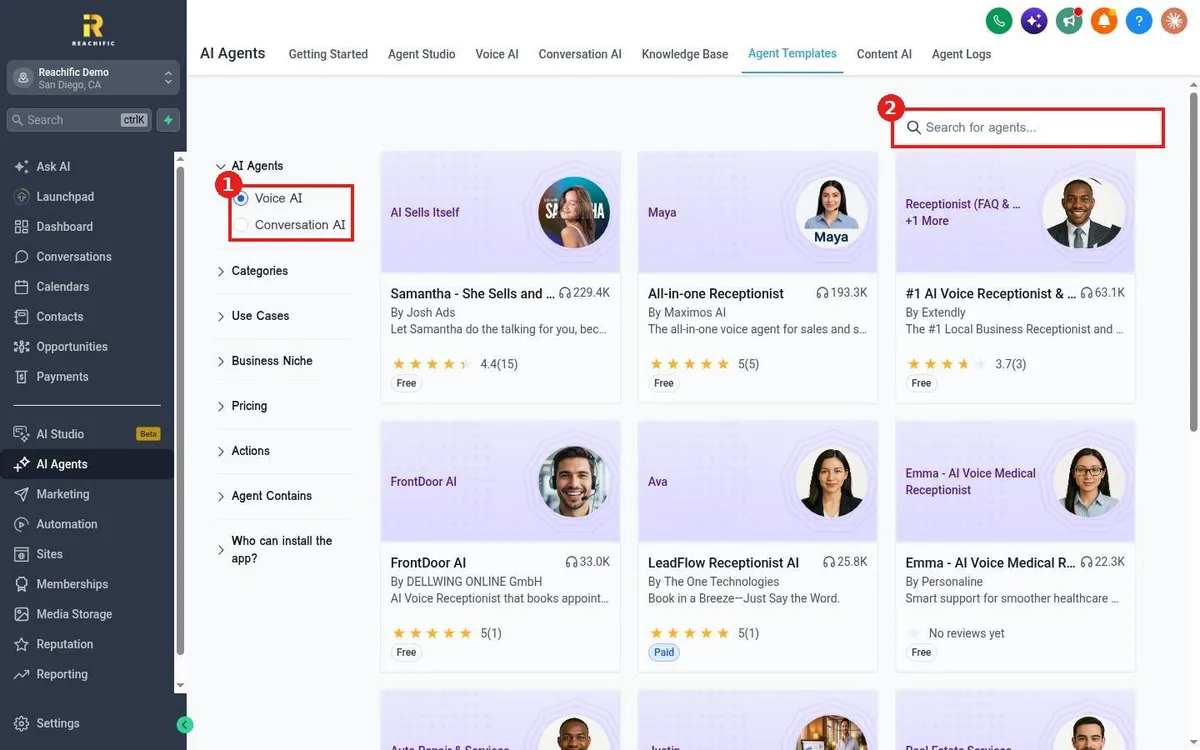
Start a Reachific AI agent from a template: open AI Agents, Agent Templates, choose Voice AI or Conversation AI, filter by niche or use case, open a template and install it.
Reachific™ Support
Step by step answers for every part of your Reachific account, with screenshots that show you exactly where to click.
No article on this page matches that yet. Try another word, or submit a ticket.

Start a Reachific AI agent from a template: open AI Agents, Agent Templates, choose Voice AI or Conversation AI, filter by niche or use case, open a template and install it.

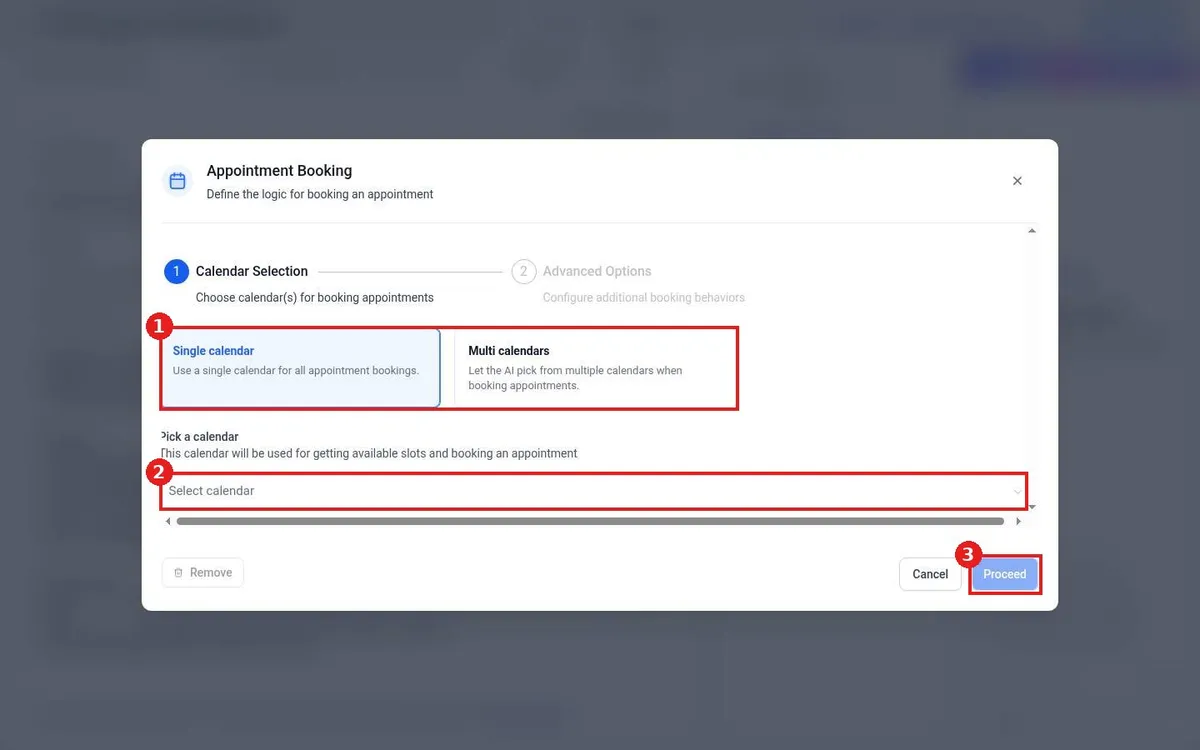
Let the Reachific AI bot book appointments: create a Conversation AI agent, save it, click Setup Your Actions, choose Appointment Booking, pick the calendar and click Proceed.

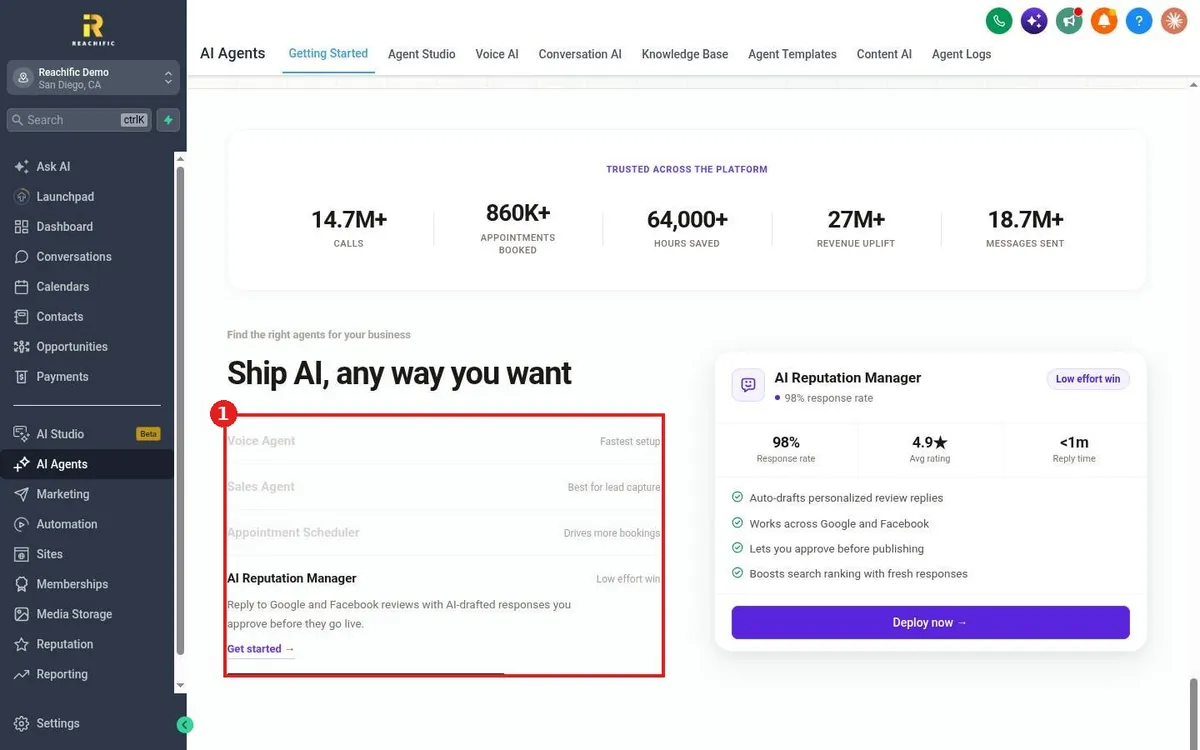
Pick the right Reachific AI agent: Voice AI answers calls, Conversation AI answers texts and chats, Agent Studio runs custom tasks, and the reputation agent replies to reviews.
We are here to help
Send our support team a ticket and we will walk you through it, or pick a support plan for hands on help.